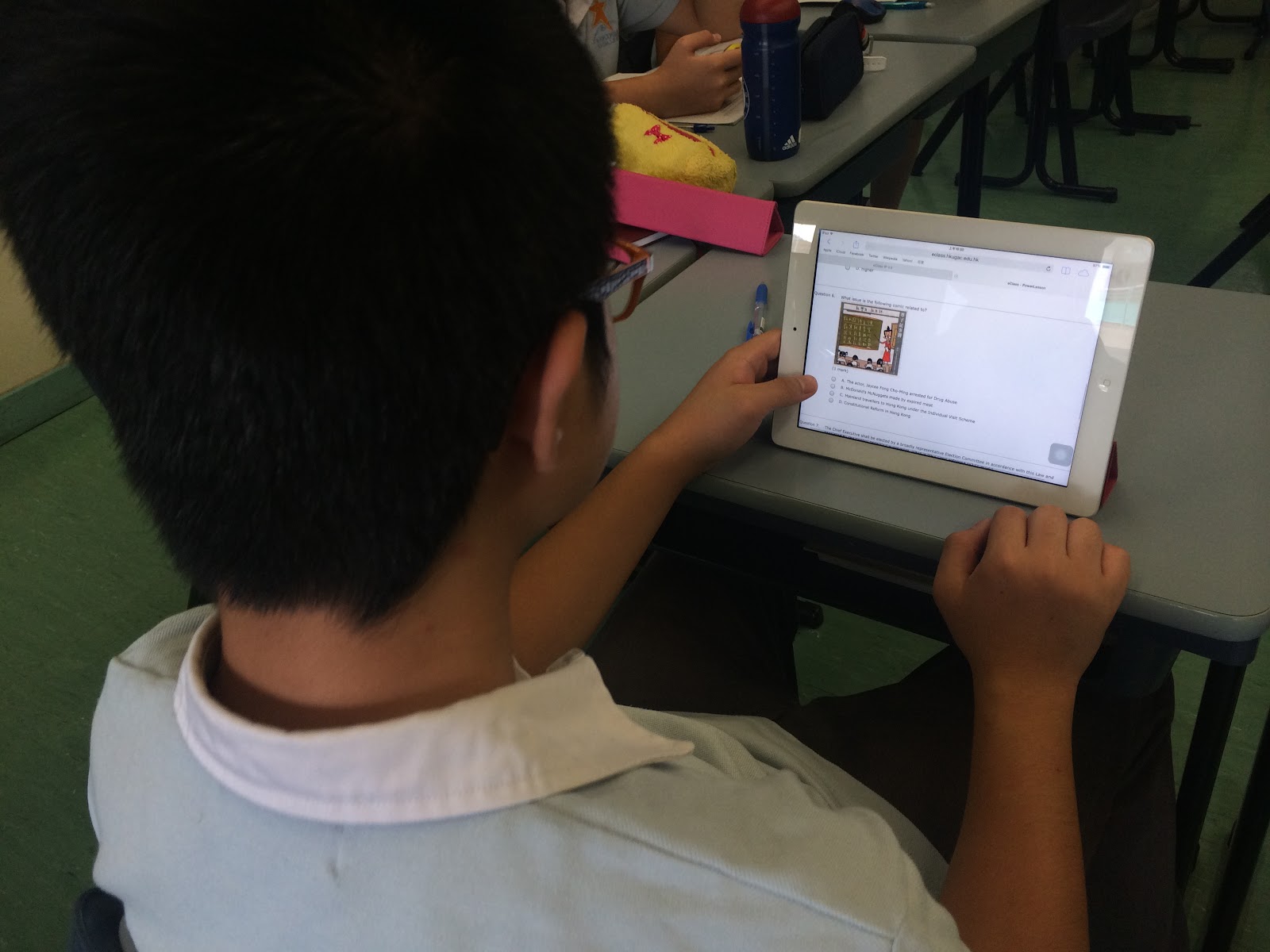
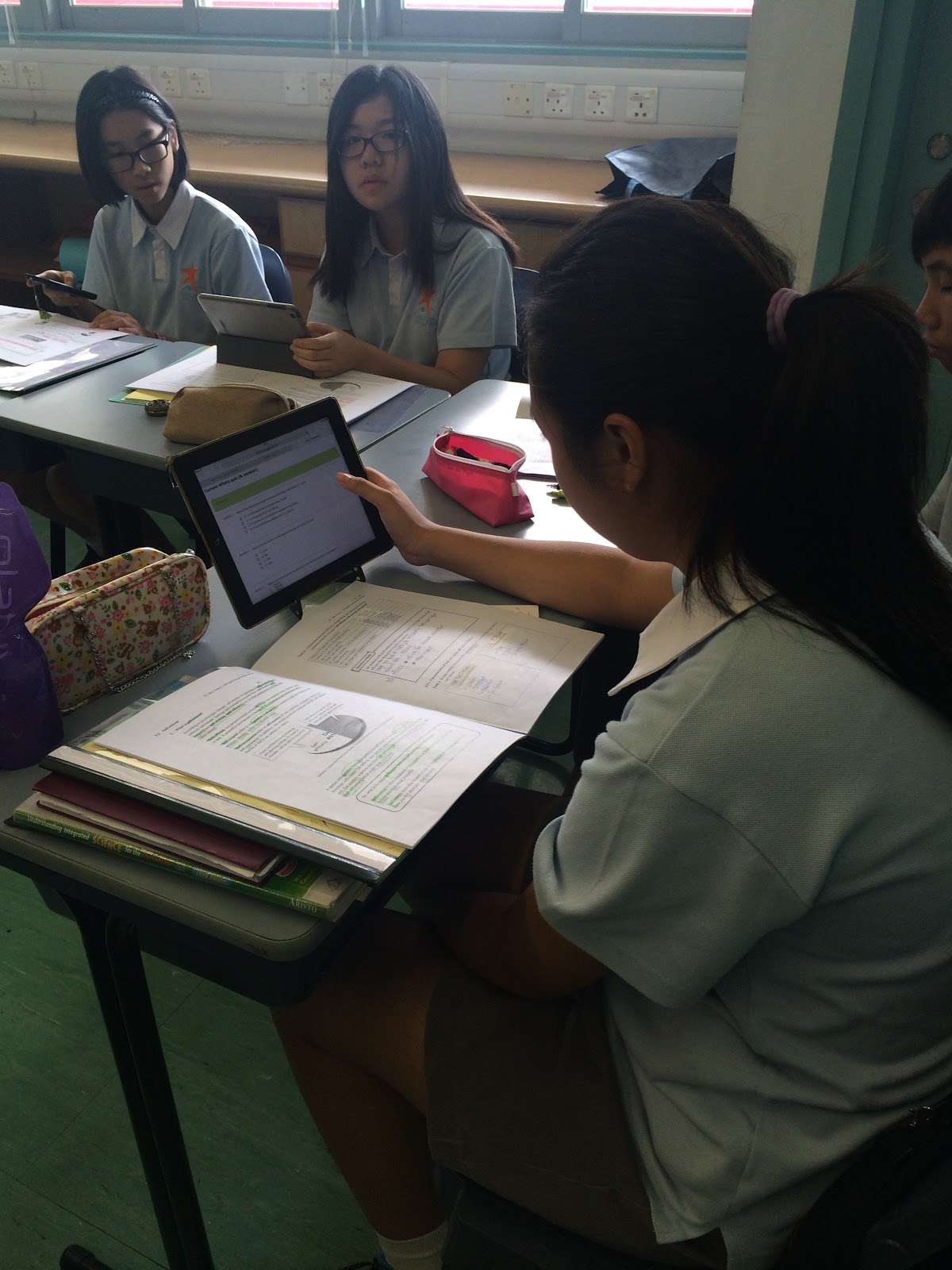
Student's e-Learning habit can be seen easily in HKUGA College
e-Learning in HKUGA College
Showing posts with label e-Learning. Show all posts
Wednesday, 11 May 2016
Friday, 11 March 2016
Using e-Learning App in Science Lesson
Teacher uses an app called Nearpod in his science lesson. It can broadcast teaching materials to students and show immediately on their iPad, and instant result from students so that the whole lesson is in a very interactive way because of using e-Learning approach.
S1 Interviewing peer counsellors (English project using e-Learning tools)
English department has a blog writing
project and students are required to include a video interview of their peer
counselors onto their blog as well. On 11th March during their DEAR time, the S1
students conducted the interview with their peer counselors. Students were very engaged and it looks
like a good learning experience with e-learning too.
Thursday, 26 November 2015
Using Smart Classroom in ICT lesson
In ICT lesson, students had prepared some new programming skill at home and share during the lesson time.
Monday, 5 October 2015
New Smart Classroom (211)
To enhance e-Learning in our school, our new Smart Classroom is ready to be used.
-
Smart classroom
- For e-Learning purpose
- 35 x iPad Air 2
- 1 x projector and 3 x 65” LED TV that can display same or different sources wirelessly
- Good quality sound system
- Special design for group discussion by using technology
- Students can show their iPad screen on selected TV(s) or/and projector
- Writable glass walls
- Smart control system by using iPad to control all electronic devices in the room including lighting and TV sets
Friday, 4 September 2015
Monday, 27 April 2015
e-Learning in Liberal Studies lessons
- e-Learning items for teaching and learning are gradually implementing
- Use PowerLesson in eclass to conduct quiz for the students.
Friday, 24 April 2015
e-Learning in Mathematics lessons
- Using flipping classroom and asking students to learn by watching video, both taken by maths department or video from YouTube, and short quiz will be followed. Videos can also be used to handle learning diversities.
Thursday, 23 April 2015
Tuesday, 21 April 2015
e-Learning in English lessons
- Focus on using Power Lesson, Britannica, and will encourage more e-reading
- S2 uses e-Class to keep their video and recording multimedia project
- Sharing monthly articles with students through e-library
Friday, 17 April 2015
e-Learning in ICT lessons
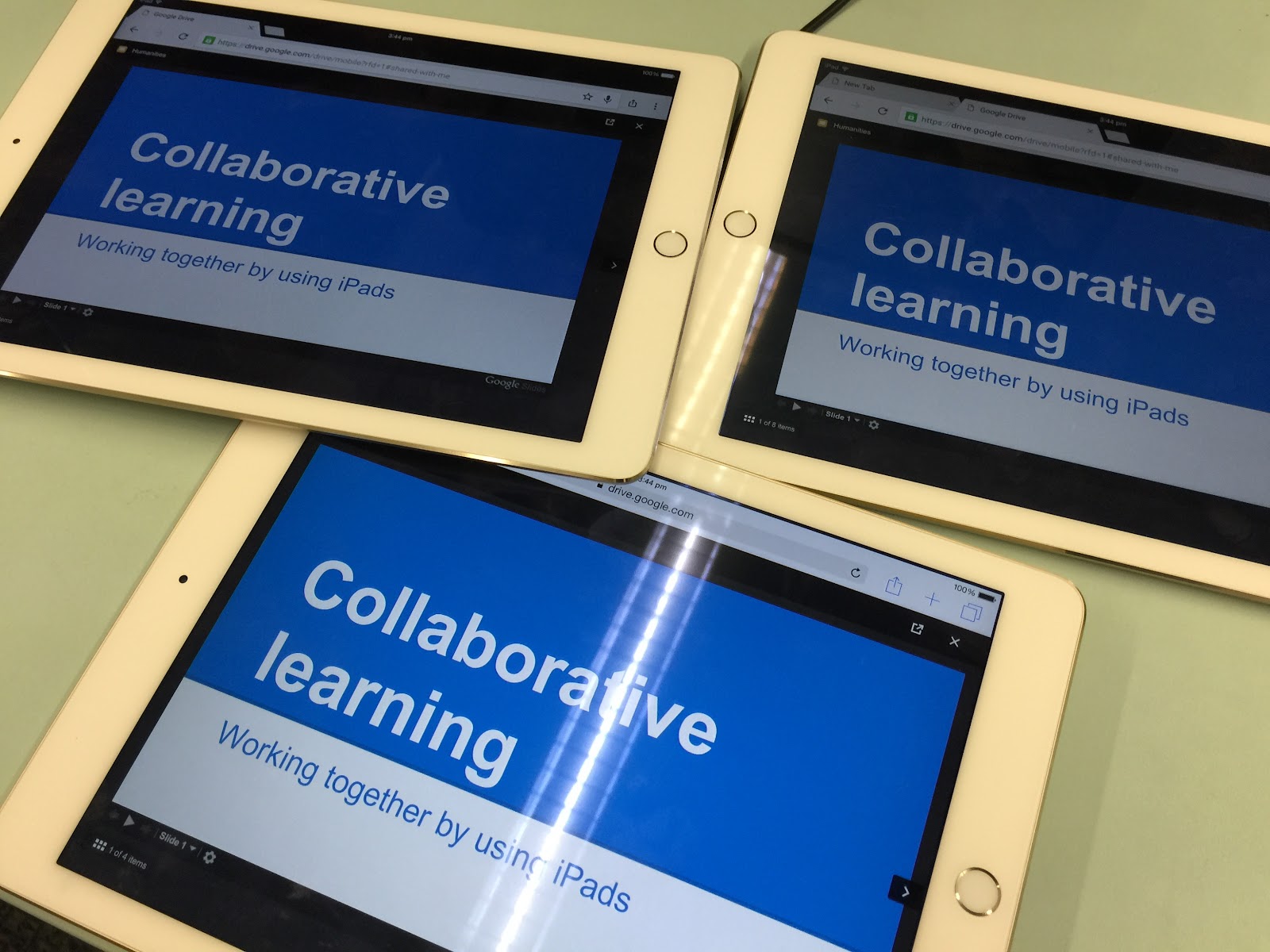
- Using Power Lesson, e-content to keep notes in e-Class, Google drive to do collaborative learning
Monday, 13 April 2015
e-Learning in PE lesson
- Sports Motion Analyzer is used to record student’s learning progress and to enhance their movements.
Friday, 10 April 2015
Trip on e-Learning to Singapore
Fuhua Primary School Date: 31st March
School of Science and Technology Date: 1st April
Cedar Girls’ School Date: 2nd April
Monday, 2 March 2015
CARE (Click And Read Everything)
CARE (click and read everything) will officially start
from today. Different department has
prepared interesting materials for you to read. Remember this address: http://po.st/care ! You can also find the QR code on the wall of your classroom. Teachers and Students, you can now bring your mobile device and read together starting from today onward in the morning!
Enjoy CARE!
Monday, 24 November 2014
Friday, 10 October 2014
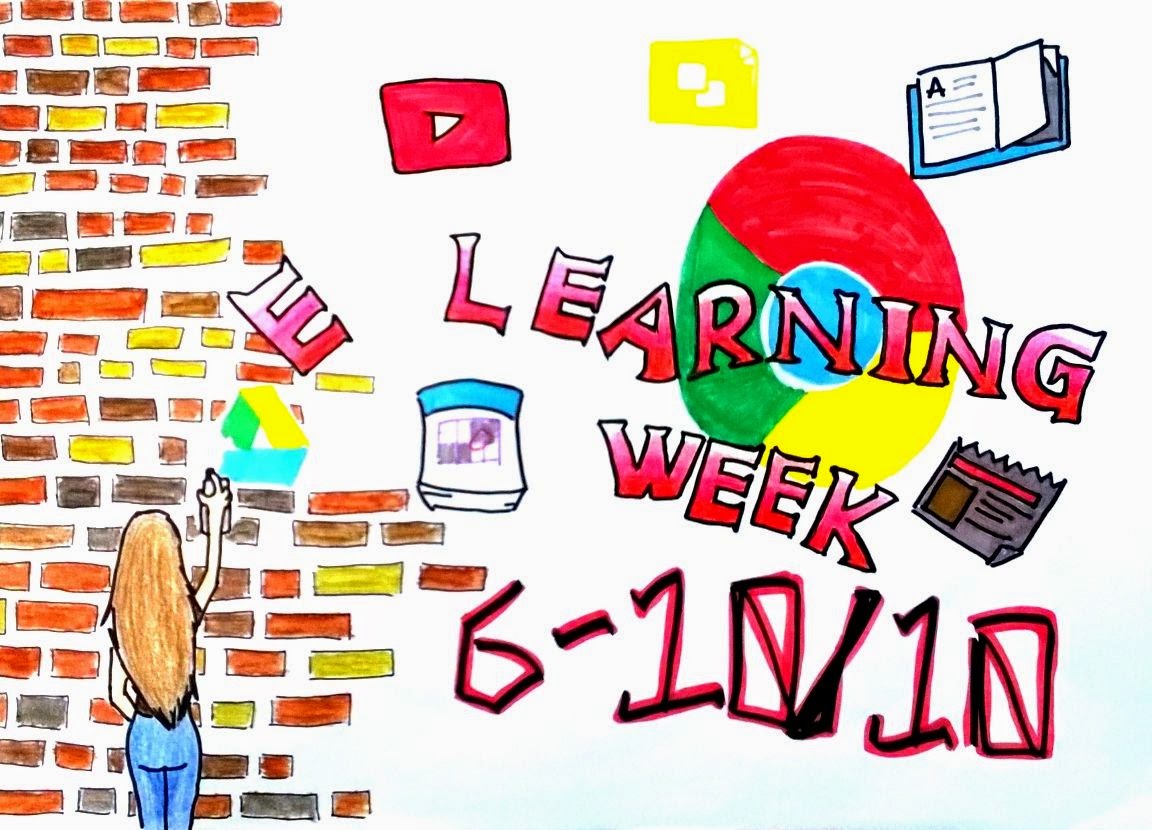
HKUGA College e-Learning week
In order to promote e-Learning in HKUGA
College, this year, we had held a school-wise e-Learning week from 6th
to 10th OCT 2014.
In the first day, the theme was “BYOD (Bring Your Own Device) and technically gets ready for using tablets”. Students were encouraged to login to Wi-Fi, school Google account, then filled in a Google form and had chance win a prize! There were a demonstration during lunch time about the comparison of different tablets and also introducing some faster input methods for tablet and mobile devices.
Friday, 3 October 2014
Questiaschool - Improve research and writing skills
Questiaschool is now ready to be used. It can Improve your ability to write better research papers with the collection of interactive tutorials. Built by instructors, each tutorial includes videos, example lessons and quizzes to help you develop the skills to write an effective research paper. You can use the following link, take all the tutorials or select only those you need the most – start, stop, and resume them at your own pace.
http://www.questiaschool.com/
Explore it today!
http://www.questiaschool.com/
Explore it today!
Friday, 11 July 2014
e-Learning for S1: Summer Bridging Programme
Welcome to HKUGA College!
To build up an e-Learning habit and enrich your summer holiday, please complete our Summer Bridging Programme online. You can visit the following presentation for more information.
https://prezi.com/iarfjzcyfwbl/summer-bridging-program/
Monday, 28 April 2014
S1 e-Learning Day
e-Learning started in HKUGA College!
S1 e-Learning day was held on the 28th of April. All S1 students brought their own electronic device (BYOD) and experienced a very special day full of excitement.
They needed to use their devices to prepare, learn, interact and revise their knowledge for all their lessons including Chinese, English, Mathematics, Humanities and Sciences.
S1 e-Learning day was held on the 28th of April. All S1 students brought their own electronic device (BYOD) and experienced a very special day full of excitement.They needed to use their devices to prepare, learn, interact and revise their knowledge for all their lessons including Chinese, English, Mathematics, Humanities and Sciences.
Subscribe to:
Posts (Atom)